Overview
UPX Financial MCP is a read-only MCP gateway that lets your AI assistants query your bank accounts and financial data through the aggregator of your choice (Pluggy in Brazil, Plaid in the United States).
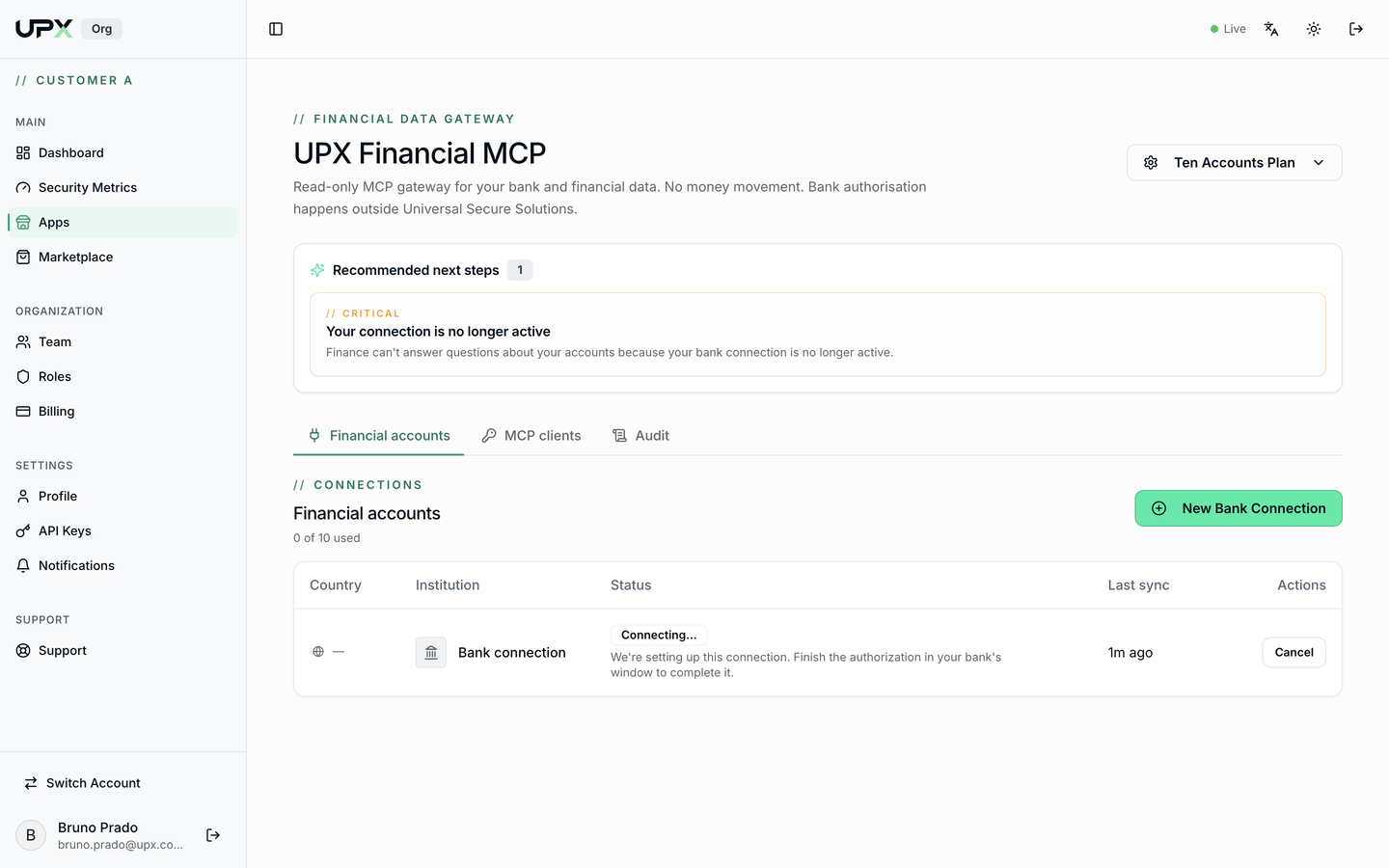
What the app does
- Connects bank accounts (Individual or Corporate) through your bank's own secure flow.
- Authorizes MCP clients — Claude, ChatGPT, Cursor, Hermes, or any compatible runtime — to query balances, transactions, cards, investments, and identity.
- Records every query made by the AI in the Audit tab, with client, tool, and outcome.
- Enforces account and client limits per plan.
What the app never does
Read-only by design
- No money movement — no payments, transfers, or account changes.
- UPX does not store raw financial data — balances, transactions, and statements stay with the aggregator and are streamed to your AI client per request.
- Bank authorization happens outside UPX, on your bank's website or app.
Where to find the app
In the UPX Portal, sidebar menu Apps → UPX Financial MCP card → Launch.
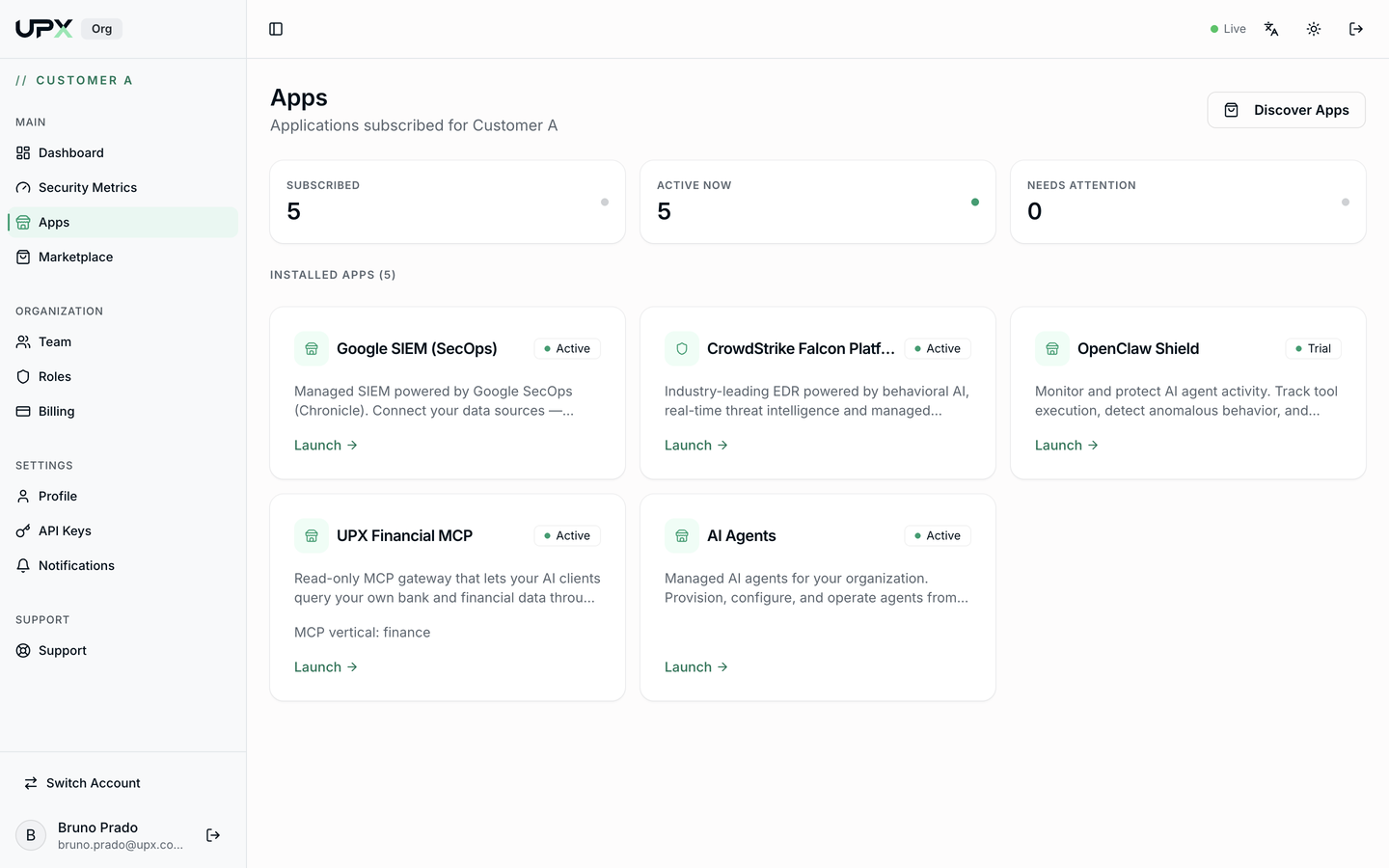
The three tabs
| Tab | What it's for |
|---|---|
| Financial accounts | Connect, monitor, and disconnect banks |
| MCP clients | Authorize and revoke AI assistants |
| Audit | See everything the AI has queried |
The … Plan button in the top-right corner gives access to Change Plan and Manage Subscription.
Requirements
- A user with access to your organization's UPX Portal.
- The UPX Financial MCP app subscribed (it shows up under Apps). If it doesn't, subscribe through the Marketplace.
- An MCP client (Claude, ChatGPT, or other) to consume the data.
Next step: Getting started.