Financial accounts
The Financial accounts tab lists all of your organization's bank connections and shows how many of your plan's slots you're using (e.g. 0 of 10 used).
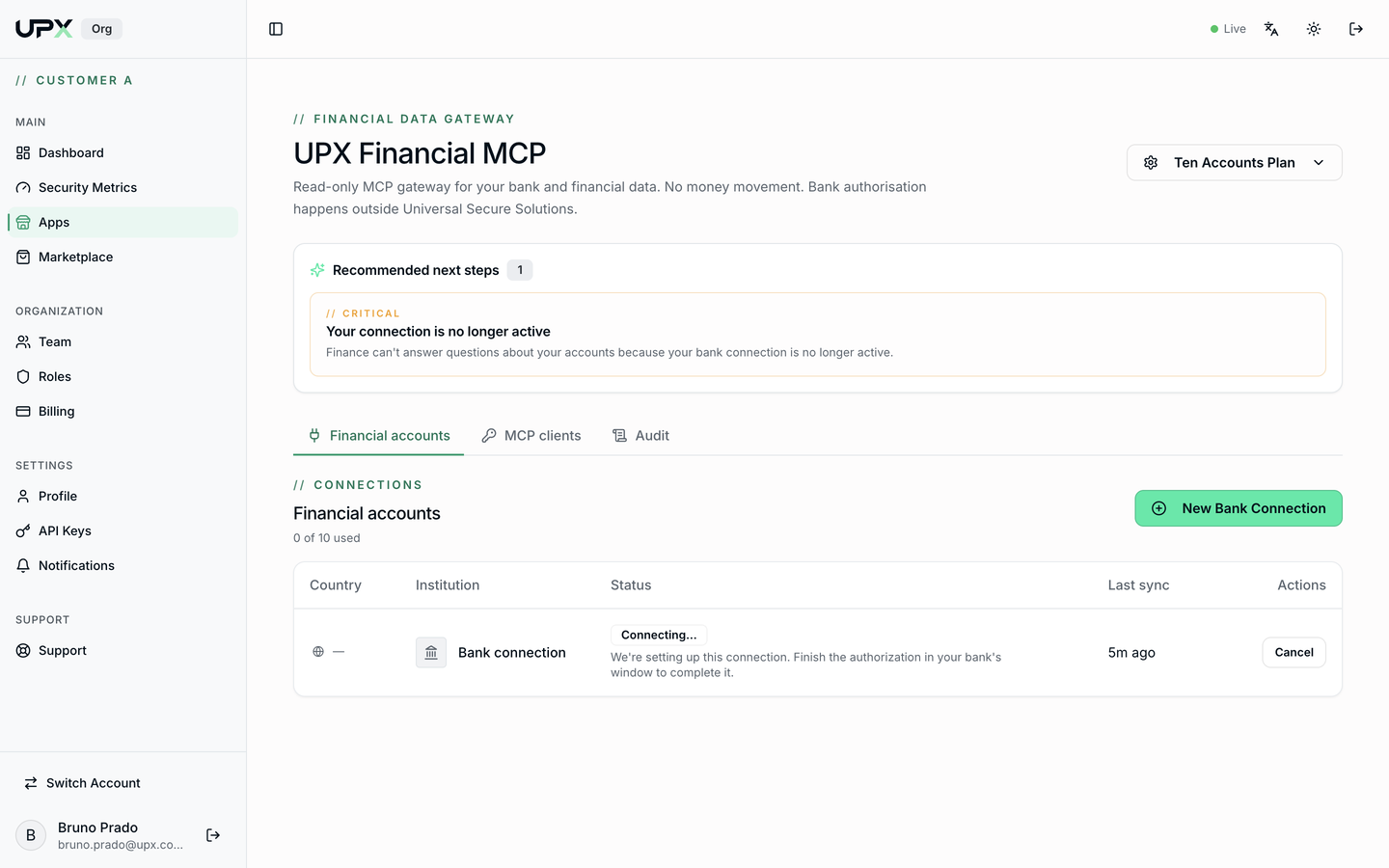
Table columns
| Column | Meaning |
|---|---|
| Country | Connection region (BR or US) |
| Institution | Connected bank, with its logo |
| Status | Current state (see below) |
| Last sync | When the data was last refreshed |
| Actions | Cancel, reconnect, or disconnect |
Possible statuses
- Connecting… — you started the connection but haven't finished the bank authorization. Finish it in the bank's window or click Cancel.
- Active — data is available to MCP clients.
- Reauthorization required — the bank consent expired or was revoked. Click the action to redo the authorization.
- Failed — the aggregator couldn't sync. Try reconnecting; if it persists, open a ticket under Support.
Alerts on the home screen
Above the tabs, the Recommended next steps block warns when something is blocking the AI from answering — for example, "Your bank connection is no longer active". Resolve the alert before expecting answers from the assistant.
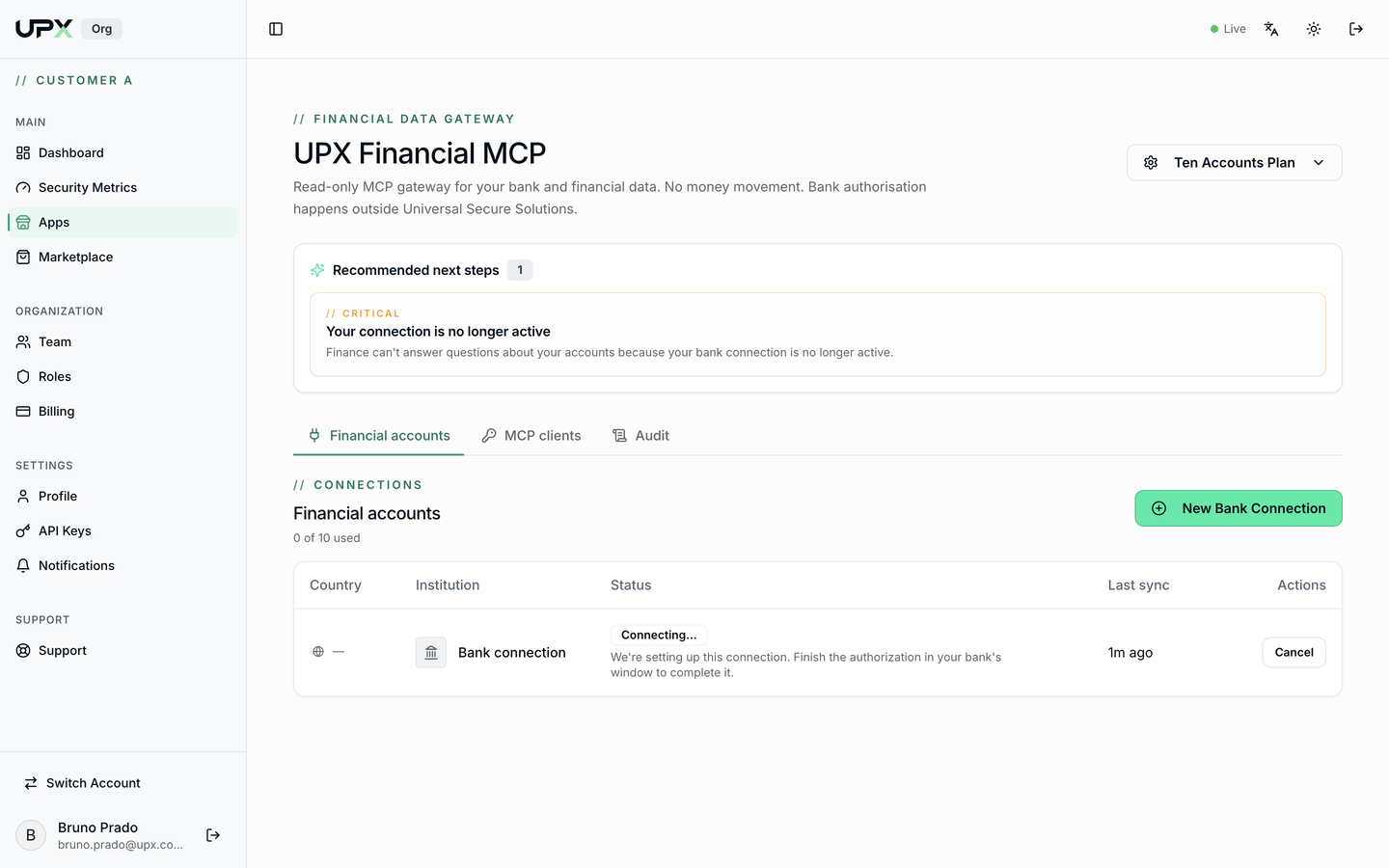
Add another account
Click New Bank Connection and repeat the flow from Getting started. Each bank counts as one connection against your plan's limit.
Disconnect a bank
On the connection's row, use the disconnect action. The token at the aggregator is revoked and MCP clients immediately stop seeing those accounts. You can disconnect any bank at any time.
The N of N used counter shows when there's no room for another connection. See Plan and subscription to raise the limit.